Prerequisites
- Destination type is URL.
- UTM may be plan-gated.
Steps
1
Open create or edit
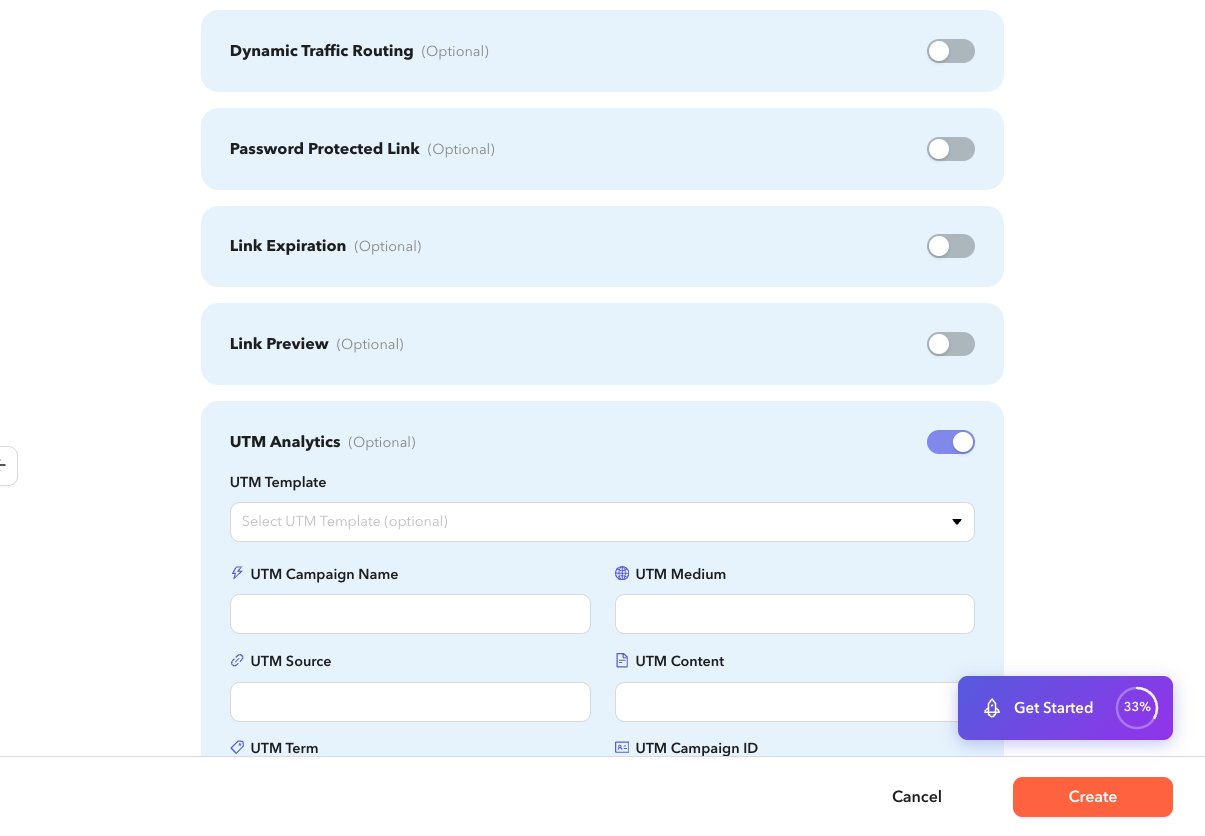
Expand UTM Analytics on a URL shortlink.
2
Enable UTM
Turn the section on. If the destination URL already contains UTM query params, the form may enable UTM automatically.
3
Apply a template or fill fields
Choose a UTM Template, or enter Campaign, Medium, Source, Term, Content, and Campaign ID. You can create a template from the inline modal.
4
Save
Create or update the shortlink.