Steps
1
Add a dynamic-link domain
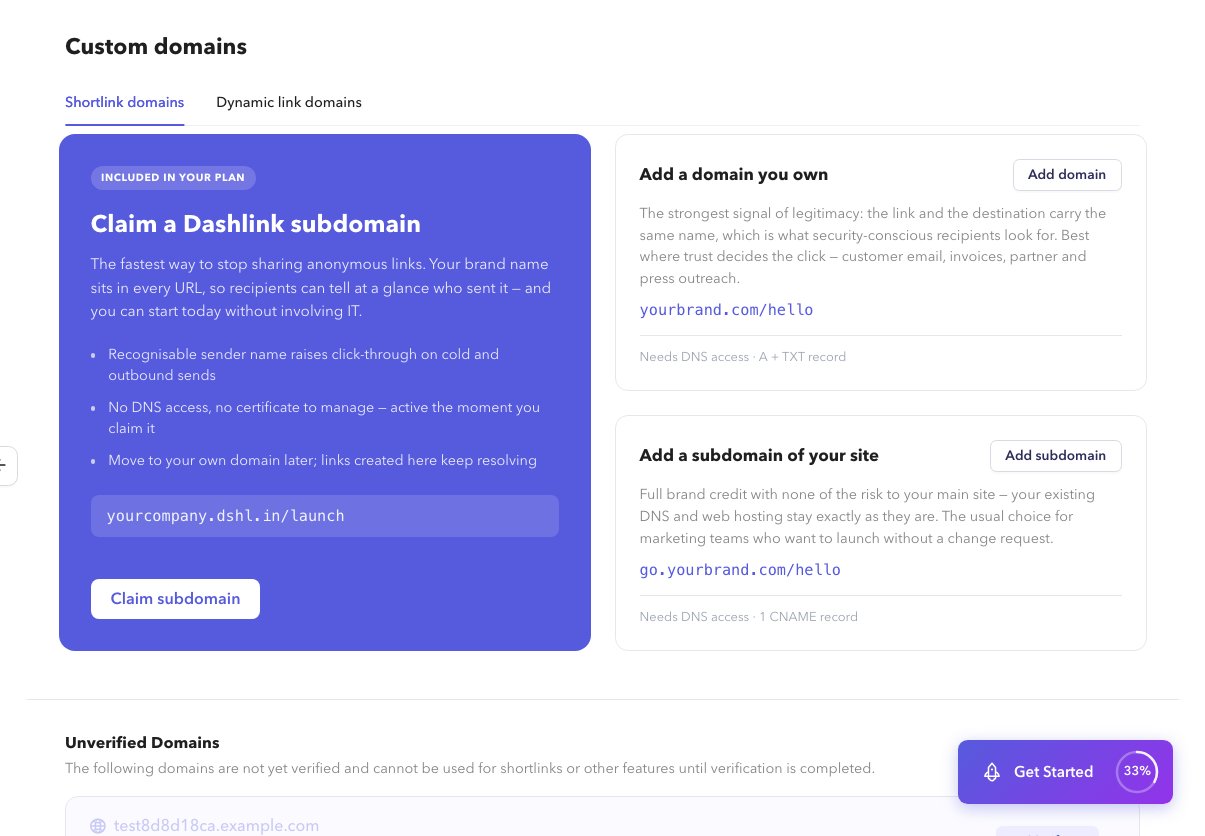
Open Custom Domains, switch to the dynamic-link tab, and claim a platform subdomain or add a domain you own. See Custom Domains overview.
2
Verify and wait for SSL
Complete verification. See Verify and SSL.
3
Configure association
Use the association panel for AASA / assetlinks snippets. Full SDK wiring is in Documentation; dashboard steps are in App association.