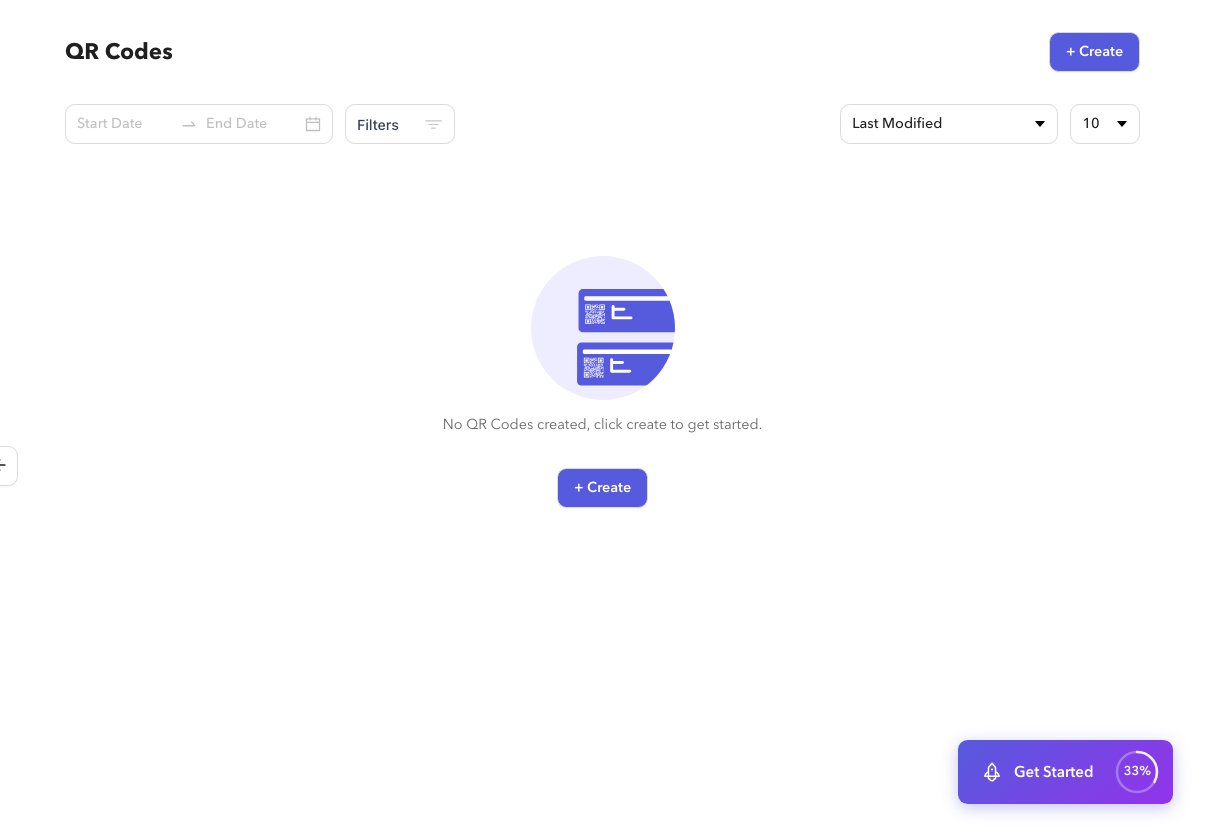
/app/qrcode) is the home for finding and managing QR codes.
Steps
1
Open QR Codes
Select QR Codes in the sidebar.
2
Filter and sort
Use date range, filters, sort, and page size. Filters sync into the URL.
3
Bulk actions
Select rows, then disable or delete. Confirm before deleting.