Steps
1
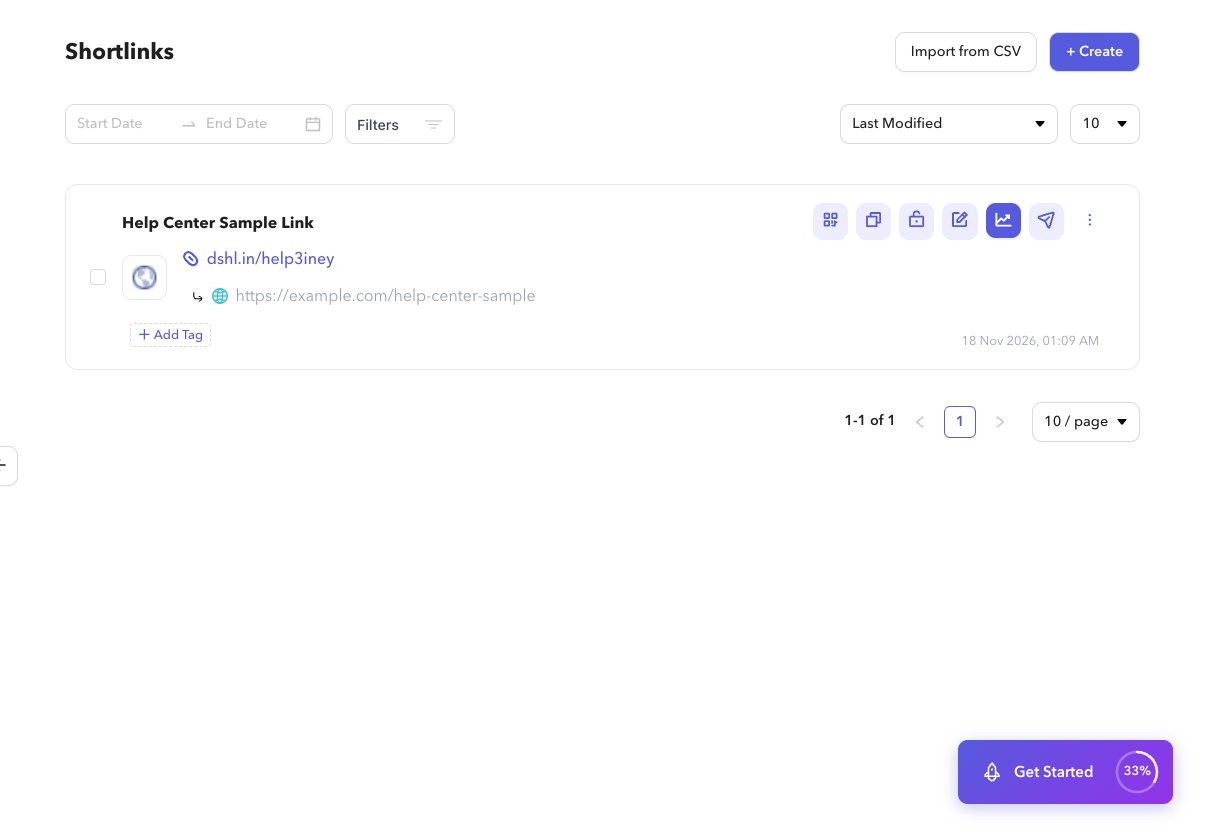
Tag from the list
On Shortlinks (
/app/shortlinks), open the tag control on a row. Pick an existing tag or type to add one.2
Remove a tag
On the same control, remove a tag from that shortlink.
3
Filter by tag
Select a tag on a row to filter the list, or use advanced filters and choose tags. You can also open a tag from Settings → Tags to jump to the filtered list.