Steps
1
Start add domain
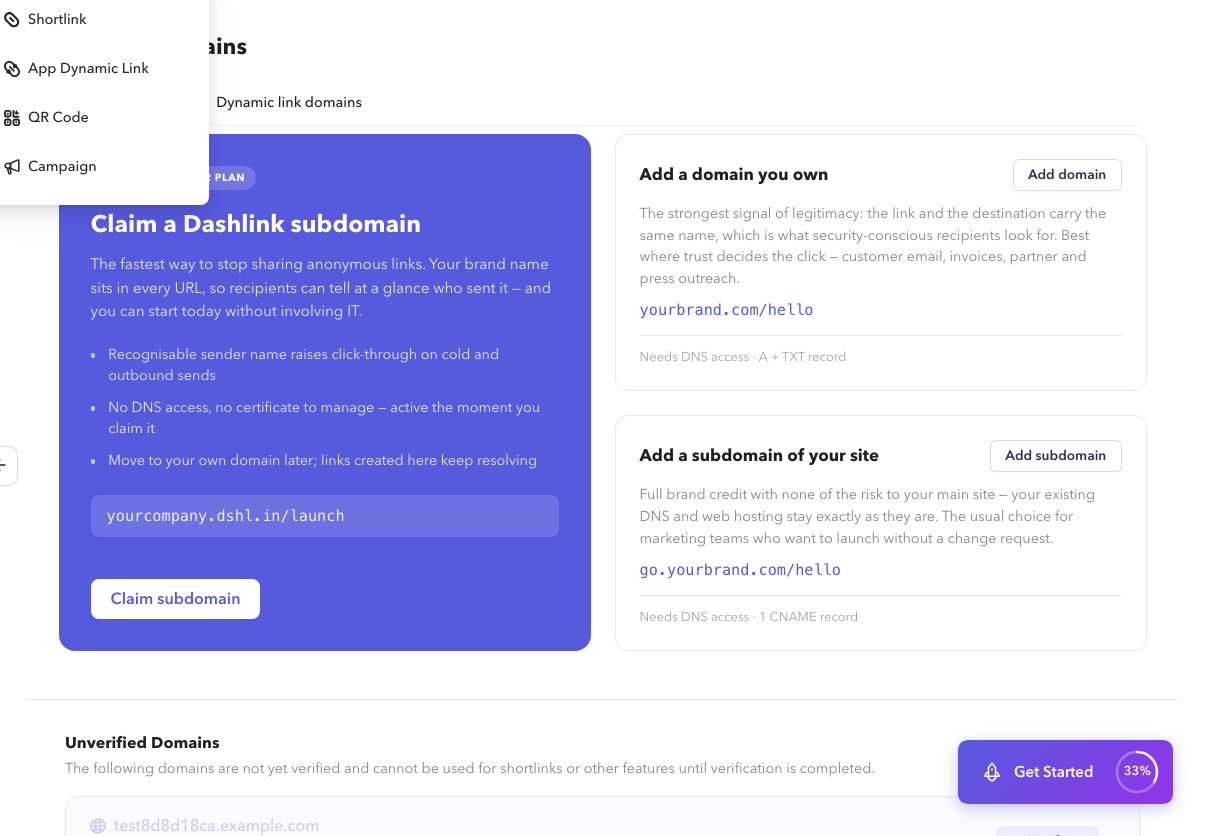
On Custom Domains, choose add domain for the shortlink or dynamic-link tab.
2
Choose root or subdomain
Enter the hostname and follow the wizard for root domain or subdomain.
3
Add DNS records
Create the DNS records Dashlink shows at your DNS provider.
4
Continue to verify
Proceed to Verify and SSL.