

Prerequisites
- Your plan includes password-protected links.
Steps
1
Open create or edit
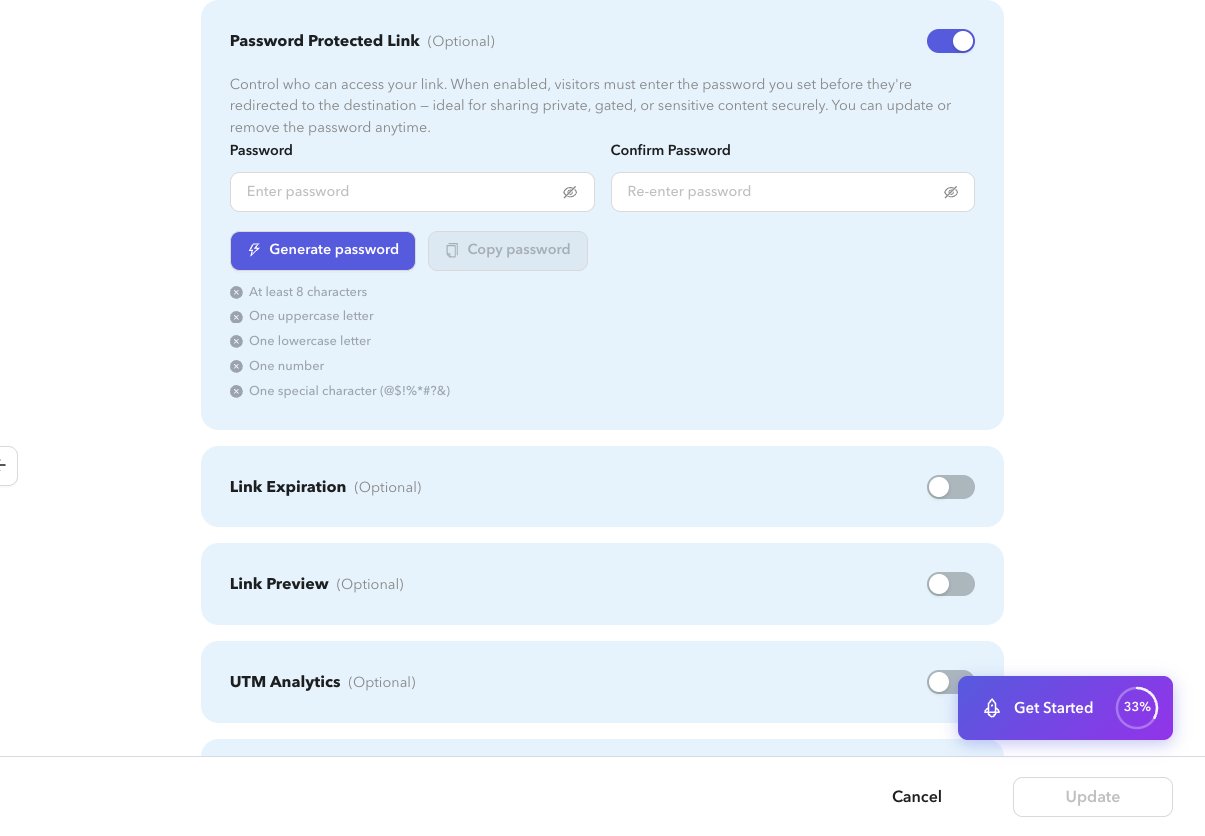
On create, expand Password Protected Link. On an existing link, edit with
section=password, or use the password action from the list.2
Enable password protection
Turn the section on.
3
Set the password
Enter and confirm a password, or generate one and copy it for your audience.
4
Save
Create or update the shortlink.
Related
- Edit a shortlink
- Shortlink analytics (password click ratio when enabled)