Available types
Steps
1
Open create or edit
Go to
/app/shortlinks/create or edit an existing link.2
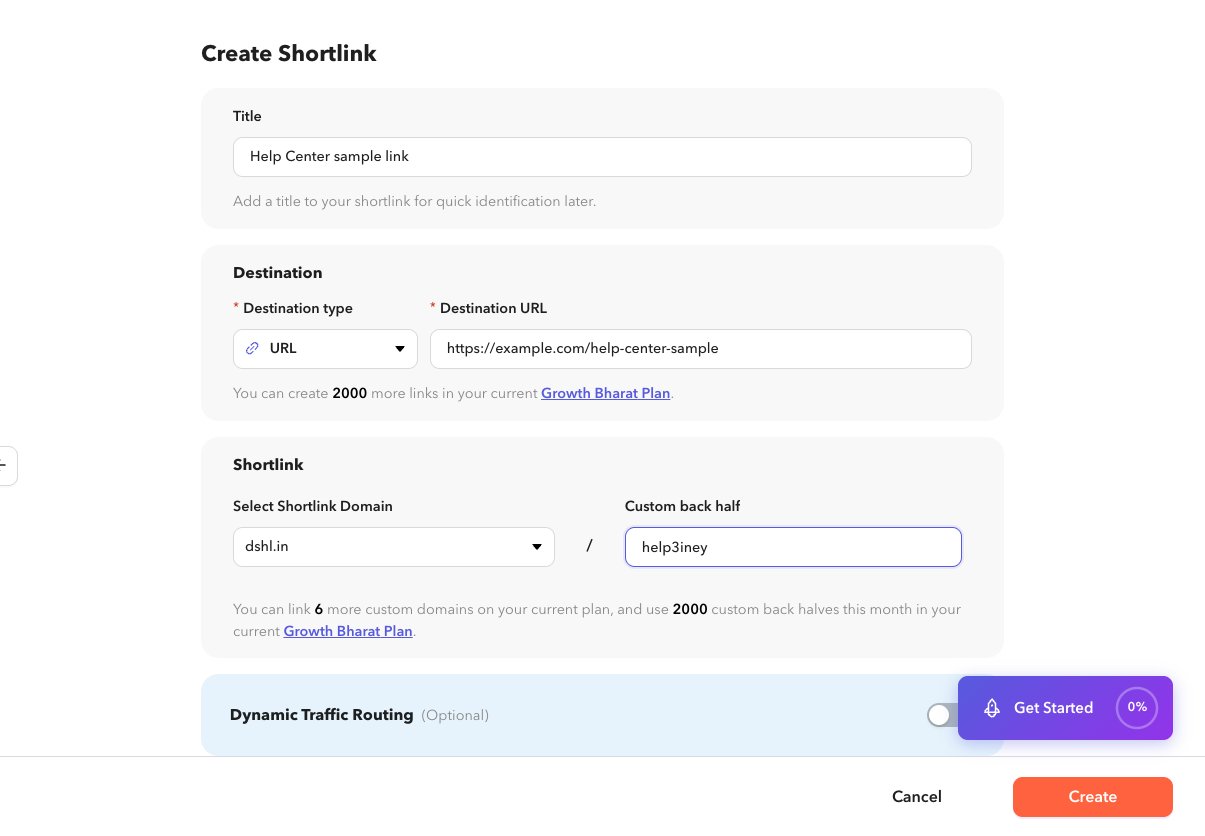
Select the destination type
Use the destination type control at the top of the destination section.
3
Fill the type-specific fields
Complete every required field for that type. For URL, enter a full destination URL.
4
Save
Create or update the shortlink.