Steps
1
Open edit
From the Shortlinks list or details card, choose Edit, or go to
/app/shortlinks/edit?s={id}.2
Jump to a section (optional)
Deep links open a section directly:
?section=password, dynamic_routing, or expiration.3
Change fields
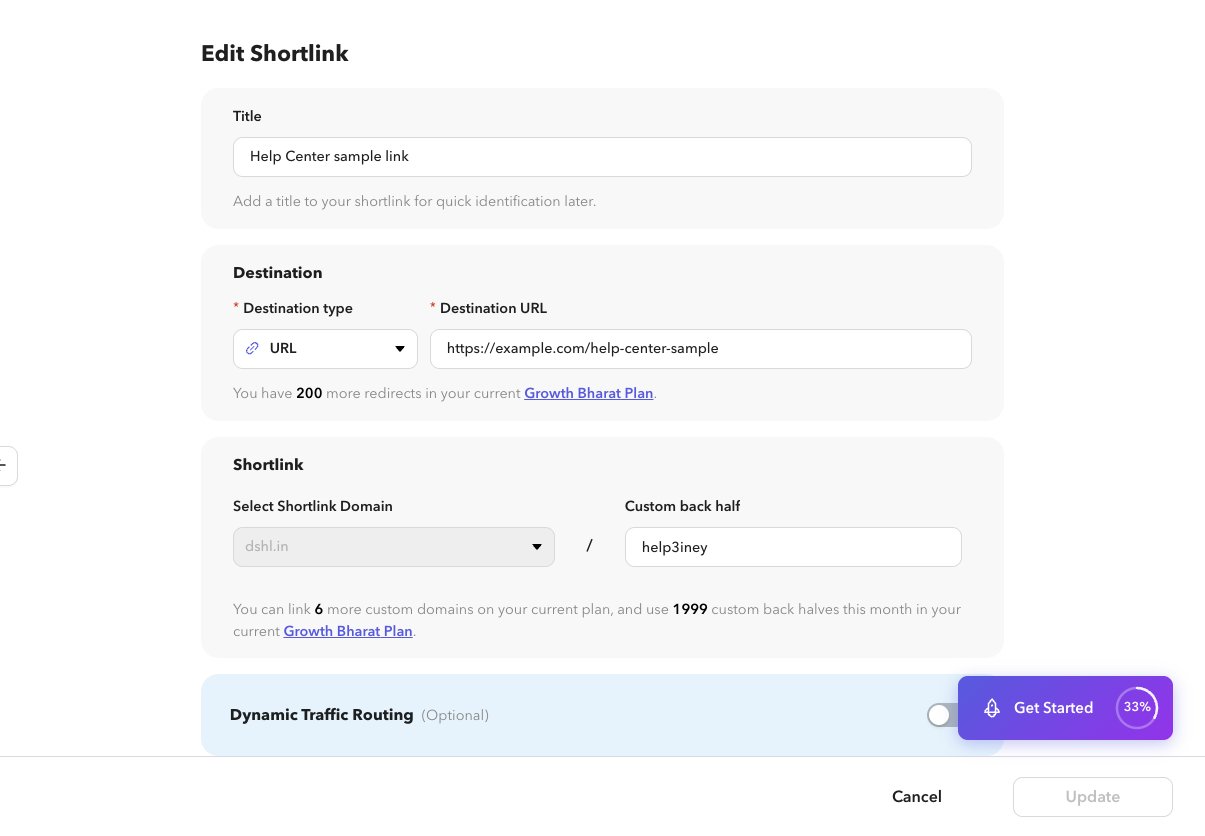
Update title, destination, domain/back half, routing, password, expiration, preview, UTM, or QR. Turning QR off removes the attached QR.
4
Update
Select Update to save.