

Steps
1
Open association
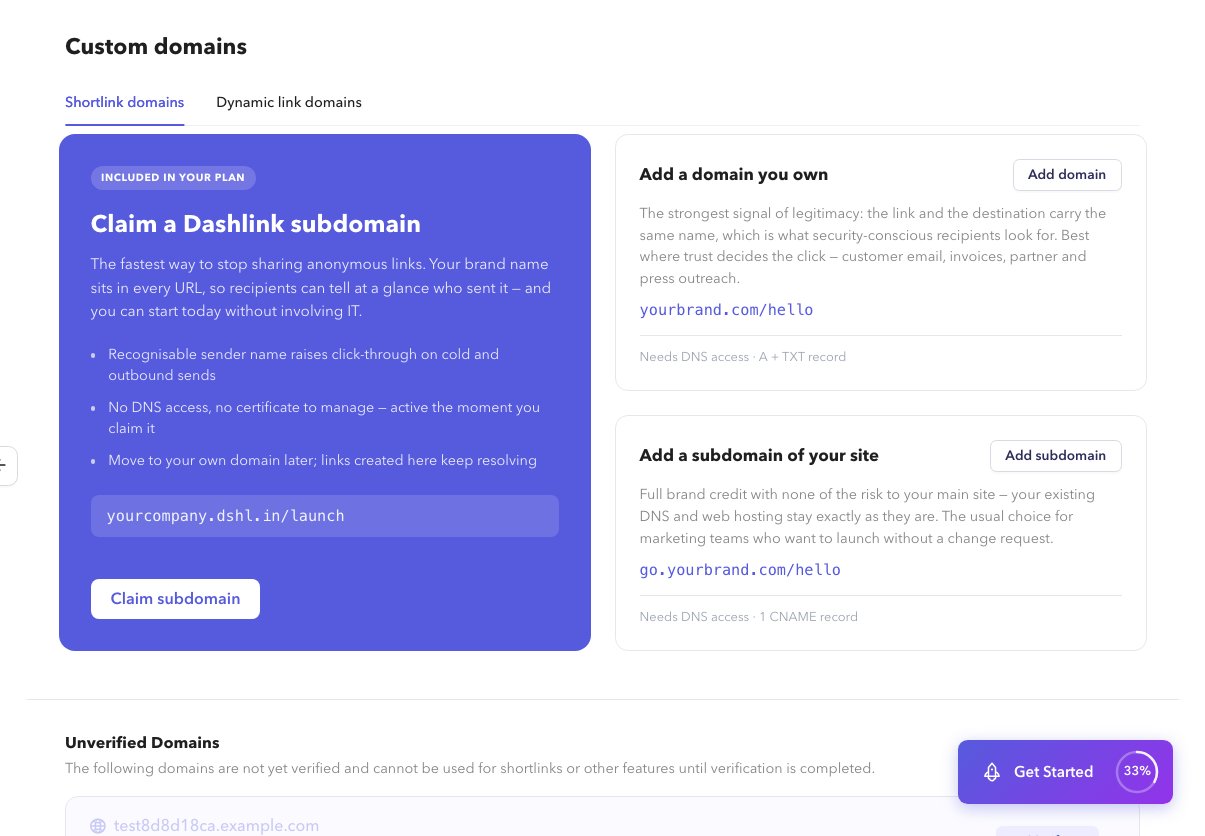
On Custom Domains → dynamic-link domain, open the association / app linking panel.
2
Copy configuration
Use the shown Team ID, bundle IDs, package names, and fingerprints as required. Hosted file paths are managed by Dashlink for verified domains.
Installing and configuring native SDKs is covered in Documentation, not Help.