Prerequisites
- A verified dynamic-link domain and app association for your platforms. See Domains and association.
- Plan capacity for App Dynamic Links.
Steps
1
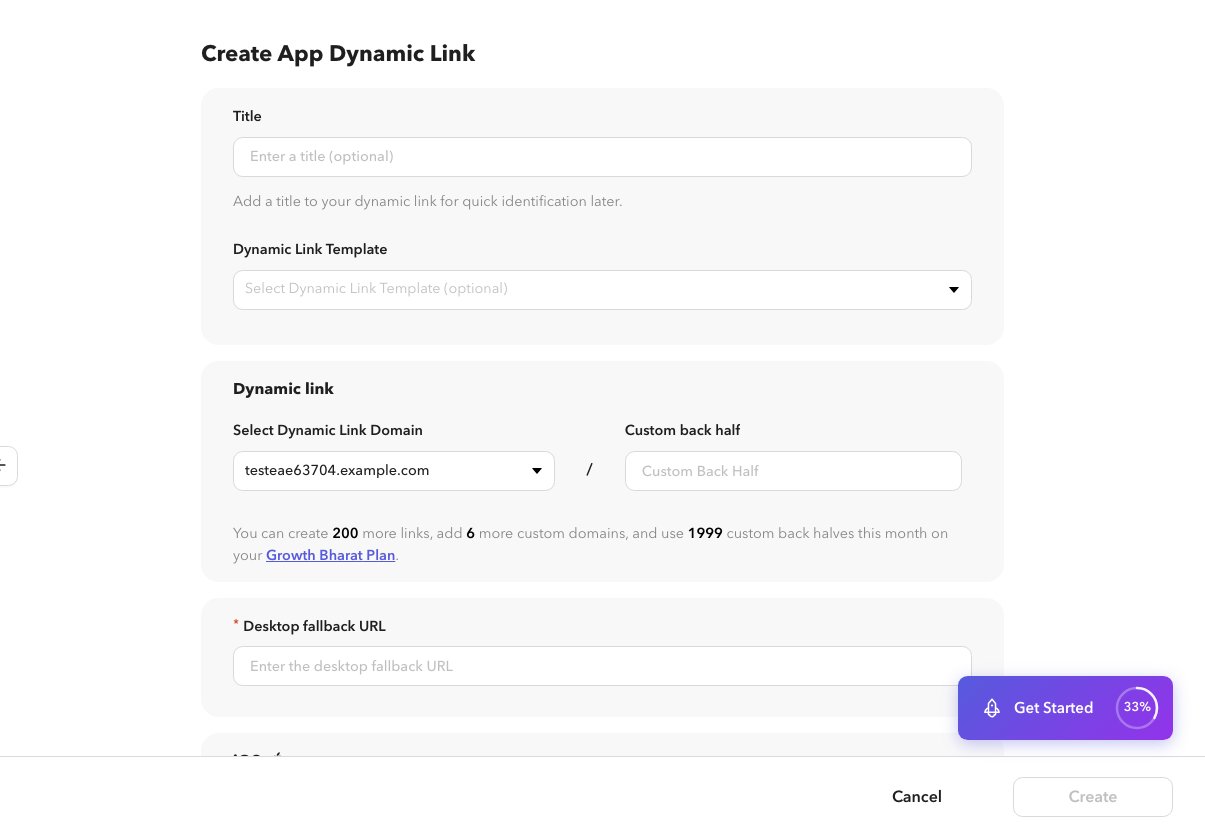
Open Create
Go to App Dynamic Links → + Create, or
/app/dynamiclinks/create.2
Set title, domain, and path
Enter a title, choose a dynamic-link domain, and set the path / deep-link fields your flow requires.
3
Configure platforms
Set iOS and Android open / not-installed behavior. See iOS and Android behavior.
4
Optional sections
Add password, expiration, preview, or UTM when available. See Optional sections.
5
Create
Save the link.