

Steps
1
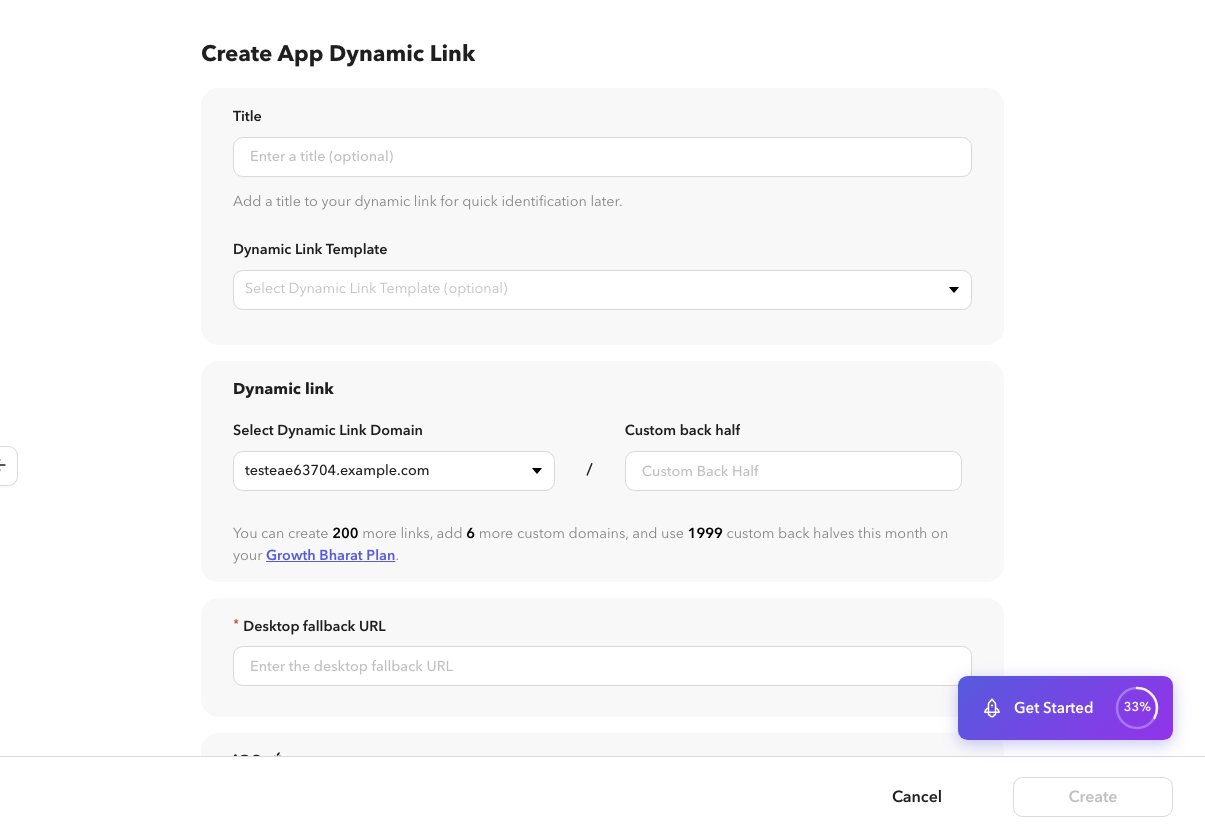
Open create or edit
On
/app/dynamiclinks/create or the edit screen, find the iOS and Android sections.2
Installed behavior
Choose how the link opens the app when it is installed (for example deep link into a screen).
3
Not installed
Choose App Store / Play Store, a web URL, or other fallback your plan supports.
SDK setup for reading deep-link data is covered in Documentation, not Help.